Run high‑stakes assessments online & offline with real‑time observation, ultra‑fast blob‑based video uploads, AI‑assisted checks, role‑based logins, and instant certificate issuance — on web, Android, and iOS.
Coverage
Integrated onboarding & reporting.
Throughput
Assessments handled reliably.
Speed
Optimized blob technology.
Evidence with photos/videos, checklists, scoring rubrics, offline capture, evaluator notes, geo‑tagging & timestamping.
Structured question banks, randomization, audio/video capture, auto‑transcripts, multi‑language prompts.
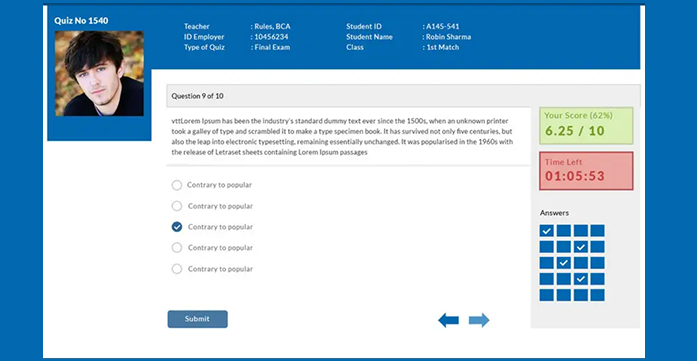
MCQ/SBA, caselets, adaptive forms, negative marking, proctoring, item analysis, and instant scoring.
Run panel/group interactions with synchronized timers, shared evidence, separate candidate scoring, and controlled turn‑taking.
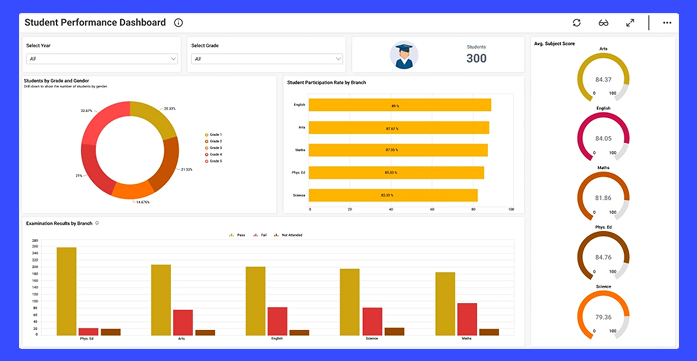
Live sessions dashboard with candidate status, evidence stream, flags, and interventions without disrupting flow.
Resumable, chunked, parallelized uploads with integrity checks. Optimized for low‑bandwidth centers.
Slot creation, center mapping, attendance, evaluations, moderation, and publishing — all in one place.
Separate portals for Assessor, Trainer, Candidate, NCVET Master, and Awarding Bodies with granular permissions.
Photo ID checks, session time‑caps, geo‑fencing, randomization, dual‑device capture, and audit trails.
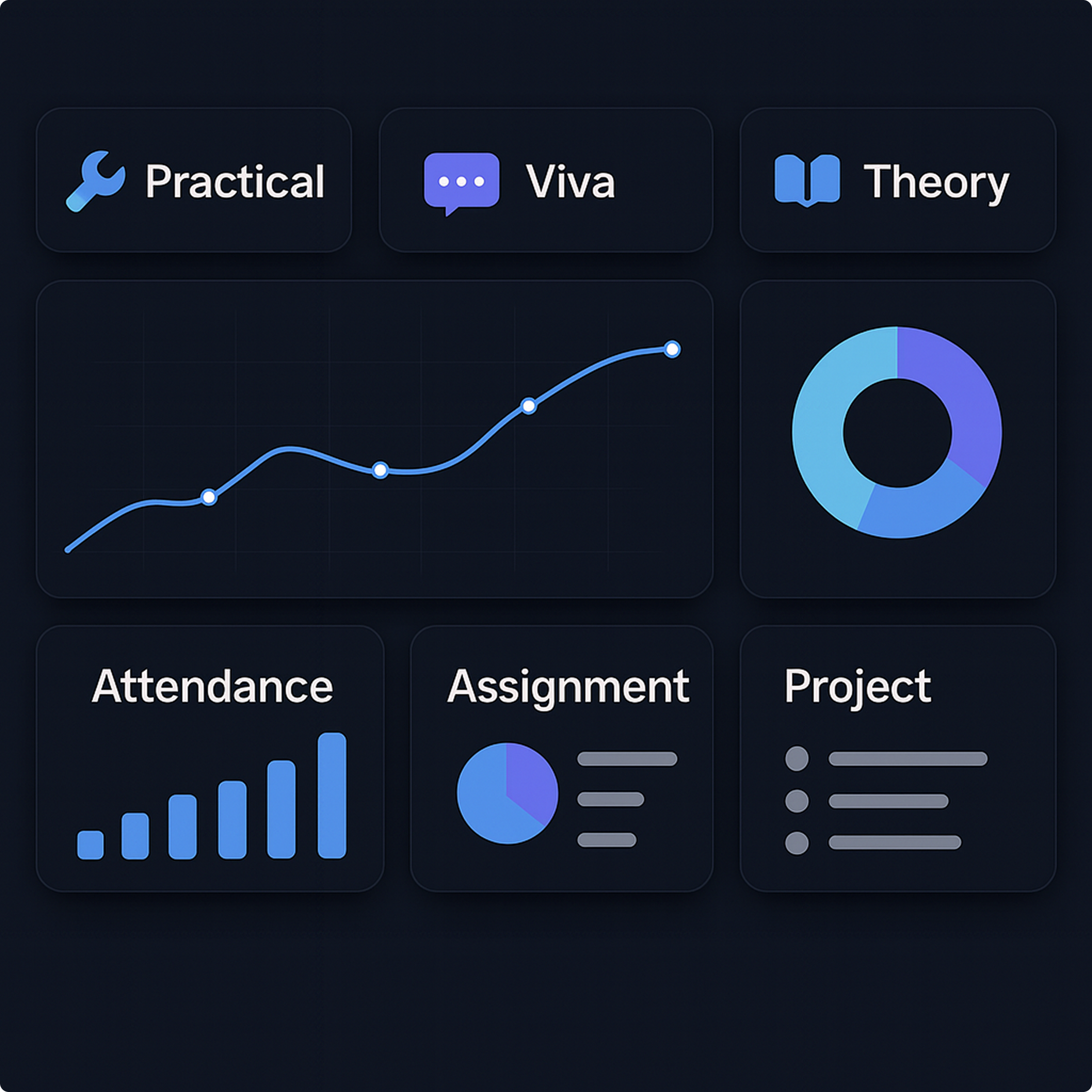
Candidate‑wise, batch‑wise, center‑wise, and awarding‑body dashboards with exports and API access.
Aadhaar QR/OCR capture and match workflows with consent prompts and encrypted storage as per policy.
Face verification with passive liveness checks to reduce impersonation during check‑in and viva.
Capture location meta for evidence, enforce center geofences, and detect out‑of‑bounds attempts.
Automated rubric completeness checks, anomaly detection, transcript summaries, and moderation assists.
Offline‑first capture with background sync; online proctored theory/viva with bandwidth‑adaptive media.
Synchronize multi‑candidate viva/practicals, assign panelists, and record shared artifacts with per‑candidate scoring.
Map each assessment to NSQF levels and qualification codes. Enforce QP/competency alignment in forms and reports.
Distinct logins & permissions for Awarding Bodies and Assessment Agencies, with review/approval workflows and audit logs.
Immutable timestamps, geo‑tags, version history, and moderation logs to support transparency and external audits.
Maintain assessor registry, qualifications, empanelment cycles, and deployment history with conflict‑of‑interest checks.
Flagging, incident recording, and escalation paths with outcomes tracked for center‑wise and scheme‑wise reports.
Configurable retention/archival windows for artifacts (video, images, logs) as per AB policy and scheme requirements.
Use this starter table to configure controls per Awarding Body/AA SOPs. Platform features assist compliance; final processes follow your approved SOPs and NCVET directions.
| Area | Control | Responsible | Status |
|---|---|---|---|
| Assessor empanelment | Qualification/ToT verified, active tenure | AA / AB | — |
| QP/NSQF mapping | Assessment mapped to QP code & level | AB | — |
| Evidence capture | Time‑stamped, geo‑tagged, tamper‑evident | Assessor | — |
| Moderation | Second‑level review prior to publish | AB / QA | — |
| Grievances | Ticketing & resolution trail maintained | AB | — |
| Data retention | Retention policy applied per scheme | AB | — |

Track ongoing assessments across centers with live evidence feed, status badges, and action tools. Pause, flag, annotate, or request re‑attempts — all recorded in the audit trail.
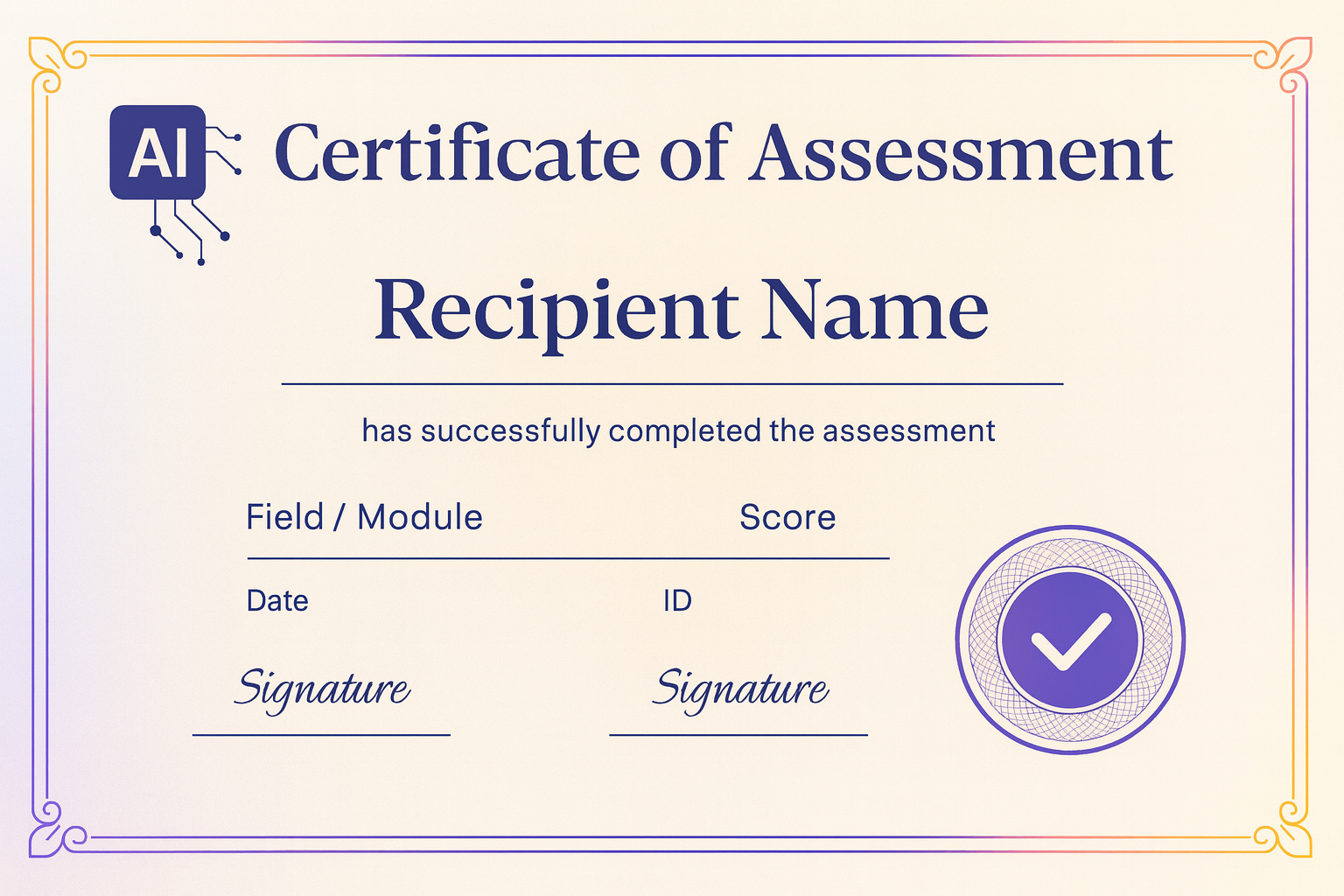
Generate and issue digital certificates instantly after moderation. Secure QR verification, templates per Awarding Body, and bulk publishing.
Brand‑aligned layouts with signatures, holograms, and optional serial formats.
QR‑based validation and public verification endpoints for employers.
Assigned batches, rubrics, evidence capture, scoring, and submission — works offline, syncs when online.
Practice tests, remediation insights, and candidate readiness dashboards.
Admit cards, slot details, instructions, ID verification, and result downloads.
Overarching control: policy rules, center accreditation, master data, performance reports, and audits.
Qualification mapping, moderation, center‑wise analytics, certificate templates, and compliance exports.
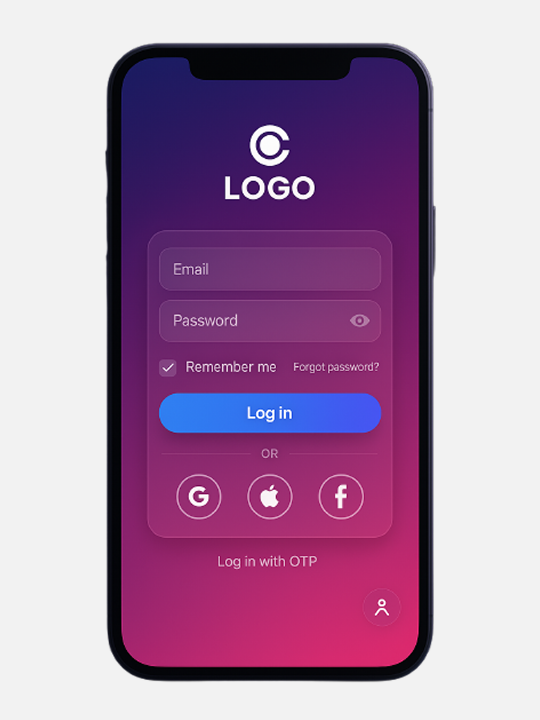
Assessors can capture rich evidence even with spotty connectivity. Offline‑first design, background uploads, and battery‑friendly sessions.
Create slots, map centers, and allocate assessors with automatic clash checks.
Capture practicals, run viva, and deliver secure theory exams with proctoring.
Moderate results, issue certificates, and share exports/APIs with stakeholders.